Deferring KIRA’s 3D Avatar Until the First Conversation
How two React states defer KIRA’s WebGL avatar until first use, preserve it after closing, and make its lifecycle observable in the browser.
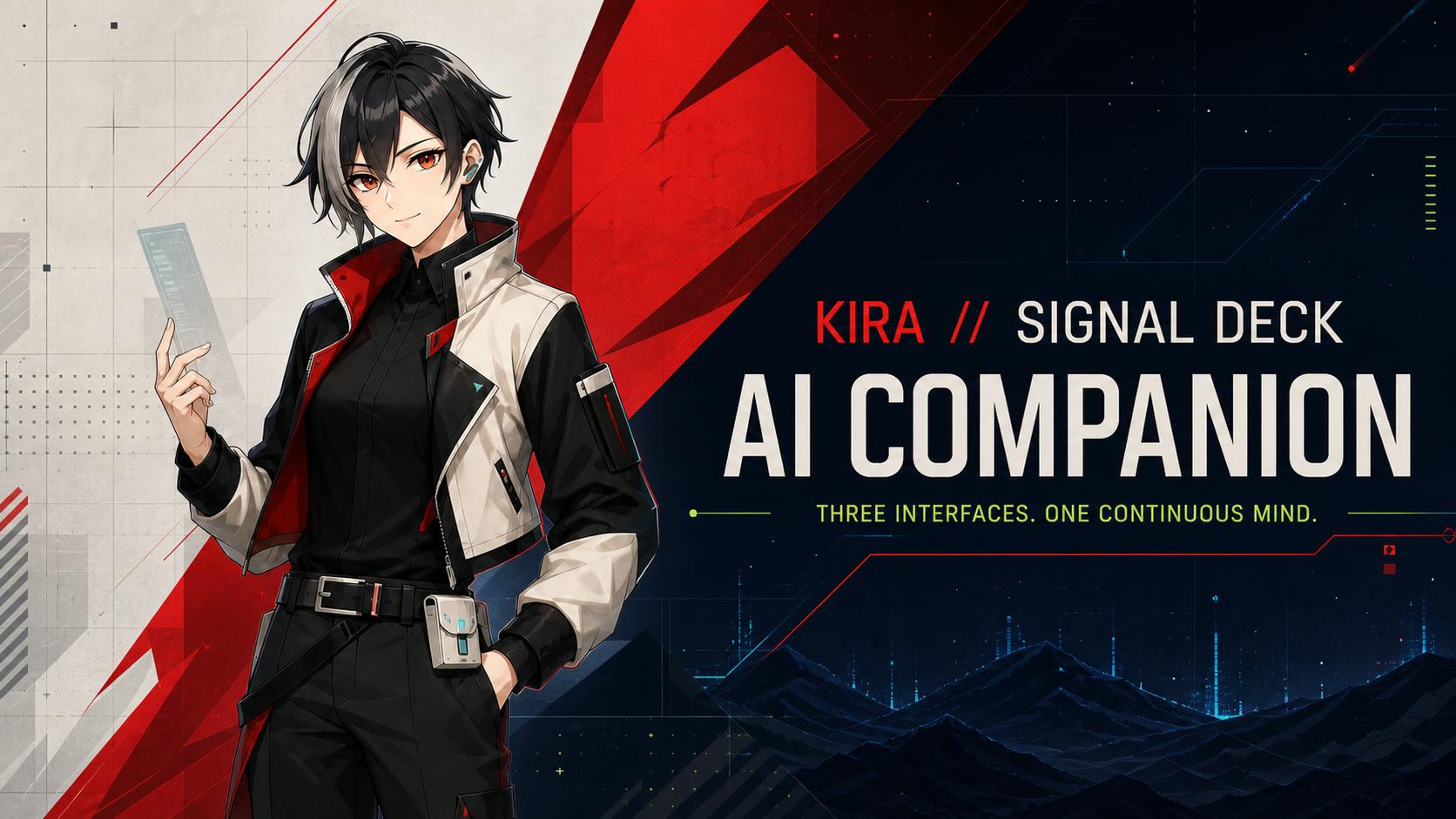
KIRA is the floating companion on Levon Blog. Its 3D avatar can remain available while a visitor browses. The previous implementation also started the avatar before the conversation was opened. Commit 1d86ec5 changes that lifecycle: show the existing portrait first, activate 3D when the conversation is first opened, and retain the activated avatar when the panel closes.
What was starting on the homepage
The September 13, 2026 production inspection found a canvas marked three.js r185 and an avatar state of ready without opening KIRA. The public model response advertised a Content-Length of 5,118,216 bytes, about 4.88 MiB. Five additional 3D JavaScript chunks returned 199,498 bytes of gzip response bodies, about 195 KiB. The recorded resource checks distinguish these measurements: the model size came from HTTP headers; the script figure came from compressed responses. Neither is a complete browser transfer total or a measured load-time saving.
The avatar already used next/dynamic with ssr: false. Its render condition was simply !avatarFailed, which was true on the initial client render. The component therefore still mounted immediately, creating a WebGL renderer and starting the model loader. Splitting the code into a separate chunk had not tied its startup to visitor intent.
Two states with different lifetimes
isOpen controls the panel. hasActivatedAvatar records whether this mounted component has been activated at least once. Opening KIRA sets both:
const [isOpen, setIsOpen] = useState(false);
const [hasActivatedAvatar, setHasActivatedAvatar] = useState(false);

const openConversation = useCallback(() => {
  setHasActivatedAvatar(true);
  setIsOpen(true);
}, []);
The avatar render condition becomes hasActivatedAvatar && !avatarFailed. The close handler clears isOpen and calls the existing microphone-disable handler, leaving the activation flag unchanged. Closing the panel therefore does not itself destroy the avatar. Before activation, the host exposes data-avatar-load-state="deferred"; afterward, it exposes the actual loading, ready, or failure state. The portrait remains available while 3D is loading or unavailable.
| Action | Before | After |
|---|---|---|
| Visit homepage | Avatar starts immediately | Portrait; avatar deferred |
| First open | Avatar startup already underway | Open panel and start avatar |
| Close panel | Avatar remains mounted | Activated avatar remains mounted |
| Reload document | Avatar starts again | Activation resets |
Persistence has a boundary
The floating companion lives in the root layout, outside the page content. Production checks preserved the same mount identifier after closing the conversation and following the home page’s View all articles link to the blog. The dedicated /chat and /ai-companion routes are exceptions: the floating component returns null and removes its stage. Returning to an ordinary page can recreate the stage because the activation flag survives within the root layout. A full document reload resets that flag.
Keeping the renderer after activation is a resource trade-off. Closing the panel does not suspend its rendering loop. This change postpones initial avatar work; it does not implement an idle-resource policy.
Repeat the browser check
On the production homepage with 3D enabled, open DevTools, enable Disable cache in Network, and reload before touching KIRA. This read-only console expression reports the floating host and its mount identifier:
(() => {
  const host = document.querySelector(
    '[data-persistent-avatar-host="true"]'
  );
  const stage = host?.querySelector('[data-avatar-runtime="three"]');
  return {
    state: host?.getAttribute('data-avatar-load-state'),
    canvasCount: host?.querySelectorAll('canvas').length ?? 0,
    mountId: stage?.getAttribute('data-avatar-mount-id'),
  };
})()- Before opening KIRA, expect
deferredand zero avatar canvases. Check Network for model requests and their initiators. - Open KIRA. After a successful model load, expect
readyand one canvas. Record the mount identifier. - Close the panel, follow the site’s Blog link, and inspect again. Compare the identifier to check for remounting; canvas presence alone does not prove that the same instance survived.
What the verification establishes
Production reached a ready Three.js r185 canvas after first opening KIRA. Local verification at http://127.0.0.1:3007 encountered a CORS failure: the model response allowed the origin https://www.levon.blog. Verify successful model loading on the allowed origin, or explicitly configure a development asset origin. The production check covered opening, closing, and home-to-blog navigation; it did not exercise message delivery or voice end to end.
A post-change browser transfer waterfall was not captured. The PageSpeed API returned 429, and the public real-user section showed No Data; no usable Lighthouse score or Core Web Vitals improvement was obtained. The asset sizes cannot establish transfer savings, latency percentages, or ranking gains. The verified result is the lifecycle change: the homepage no longer starts KIRA’s 3D renderer before the conversation is opened.
Explore the companion’s project page for the wider product and architecture context.